

Local
On your own Mac
Install Ollama or LM Studio yourself and point Beagle at it. Supported workflows run against a model server on your machine.
Beagle does not bundle a model — you install and run the local software.
Beagle LPM for modern legal practice
Beagle LPM brings matters, time, billing, trust, reporting and litigation intelligence into one Mac-first workspace. Run supported AI workflows locally — or connect the provider your firm prefers.
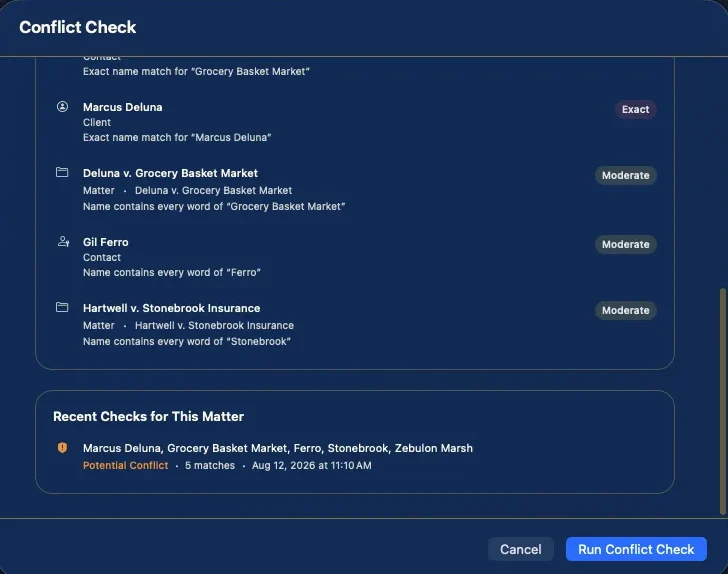
Conflict check, running in Beagle on macOS. Sample firm data.
Product
Four things a practice has to do well. Beagle does all four on the Mac, and carries the ones you need on the move. It is built for law firms that litigate, and the case tools say so.
Clients, matters and the contacts around them. Tasks that know which matter they belong to. A live timer on Mac, iPhone and Apple Watch, plus manual entries for the ones you forget to start.
Time and expenses become invoices without re-entry. Record payments, apply trust funds, and keep client money on its own ledger with per-client balances.
The litigation side of a legal practice: documents and evidence, medical providers, deadlines tracked against the matter, discovery, communications, and a conflict check before you take the work.
Ask questions of your own records. Build a chronology, surface risks, find contradictions, draft a first pass. Every result is advisory — Beagle proposes, you decide.
AI
Beagle's AI features are off until you choose a provider, and Beagle contacts no AI service on its own. Point it at Ollama or LM Studio running on your own Mac and those prompts stay on your machine. Choose OpenAI or Anthropic instead and Beagle uses the API key you supply, stored in your Mac's Keychain.
Local
Install Ollama or LM Studio yourself and point Beagle at it. Supported workflows run against a model server on your machine.
Beagle does not bundle a model — you install and run the local software.
External
Prefer OpenAI or Anthropic? Supply your own key. Beagle shows a disclosure before the first transmission, and nothing is sent until you accept it.
How that provider handles content is governed by your agreement with them.
Output is advisory. Nothing is written into a matter without your review. Beagle does not search case law and cites no legal authority — its analysis works over the records you already hold.
Platforms
The Mac is the workstation. The iPhone and Apple Watch are companions, and are meant to be. That split is a design decision, not an unfinished port.
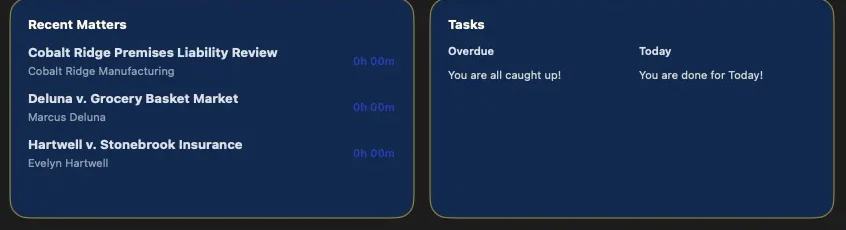
Matters and tasks on the Mac dashboard.
macOS
The complete workspace: matters and the full matter file, billing, the trust ledger, reporting, the litigation tools, conflict checking, and every AI feature.
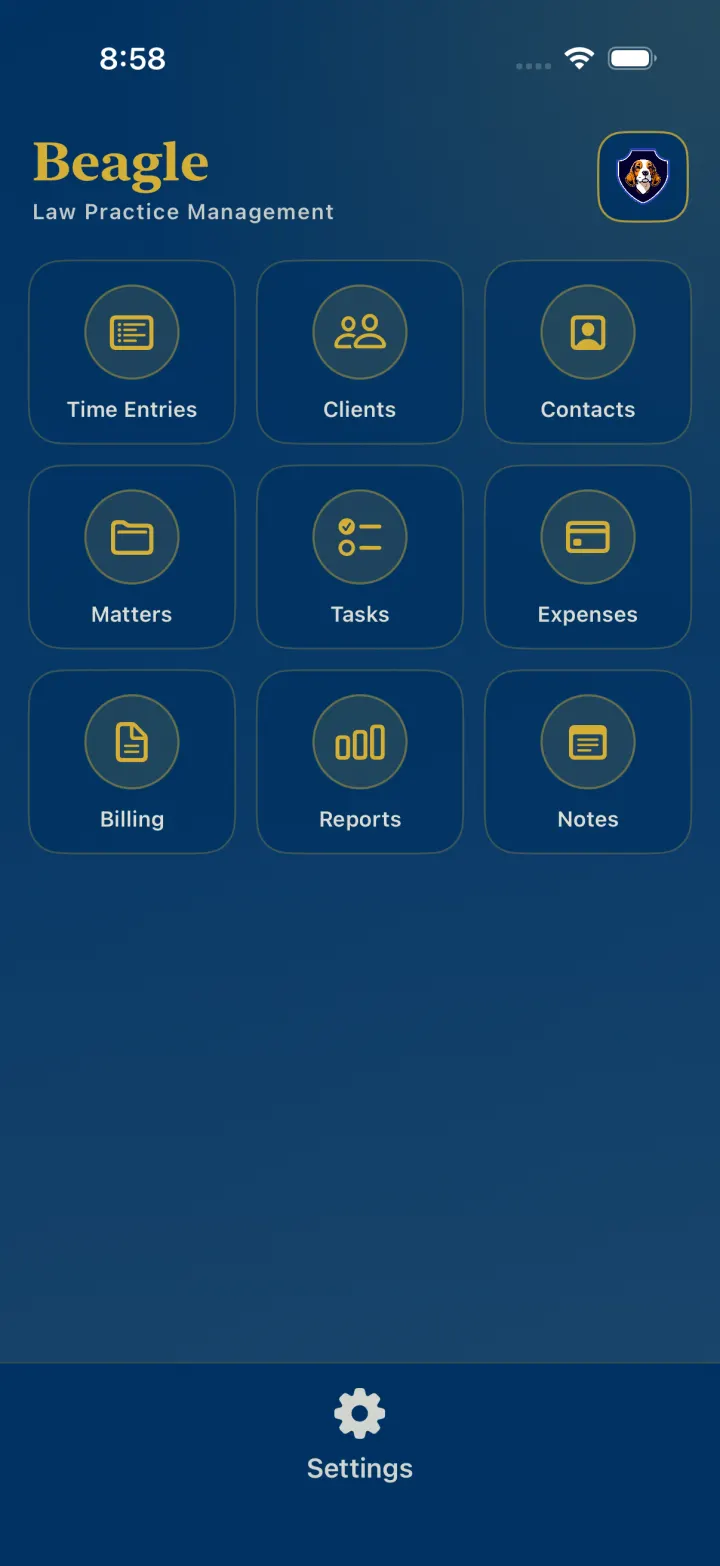
iPhone
Matters, clients, contacts, tasks, expenses, billing status and time, wherever the work happens. The deeper Mac tools stay on the Mac.
Apple Watch
Pick a recent matter, start time, stop it, and add a short note from the wrist. Entries sync through your iPhone.
Pricing
No tiers to compare and no features held back. Beagle Pro is sold and billed by Apple through the App Store.
Beagle Pro
Twelve monthly payments come to $479.88. Paying annually saves $79.89.
If a subscription lapses, Beagle switches to export-only mode rather than locking you out. Your records stay visible and you can keep exporting and backing them up.
Documentation
119 published articles across 47 categories document how Beagle actually behaves — including what it deliberately does not do. All of it is public, and none of it is behind a sign-up.
Or ask a question in your own words — answers are drawn from the published articles and cite the ones they came from.
Get started
Beagle Pro is one plan at $39.99 a month, sold through the App Store. The documentation is open now.