
Capture where you are
Start and stop the timer against a matter, add an expense, tick off a task.
iPhone · Practice companion
A genuine companion to the Mac workstation: start a timer in a corridor, look up a client before a call, check a matter between hearings. It syncs with the same firm.
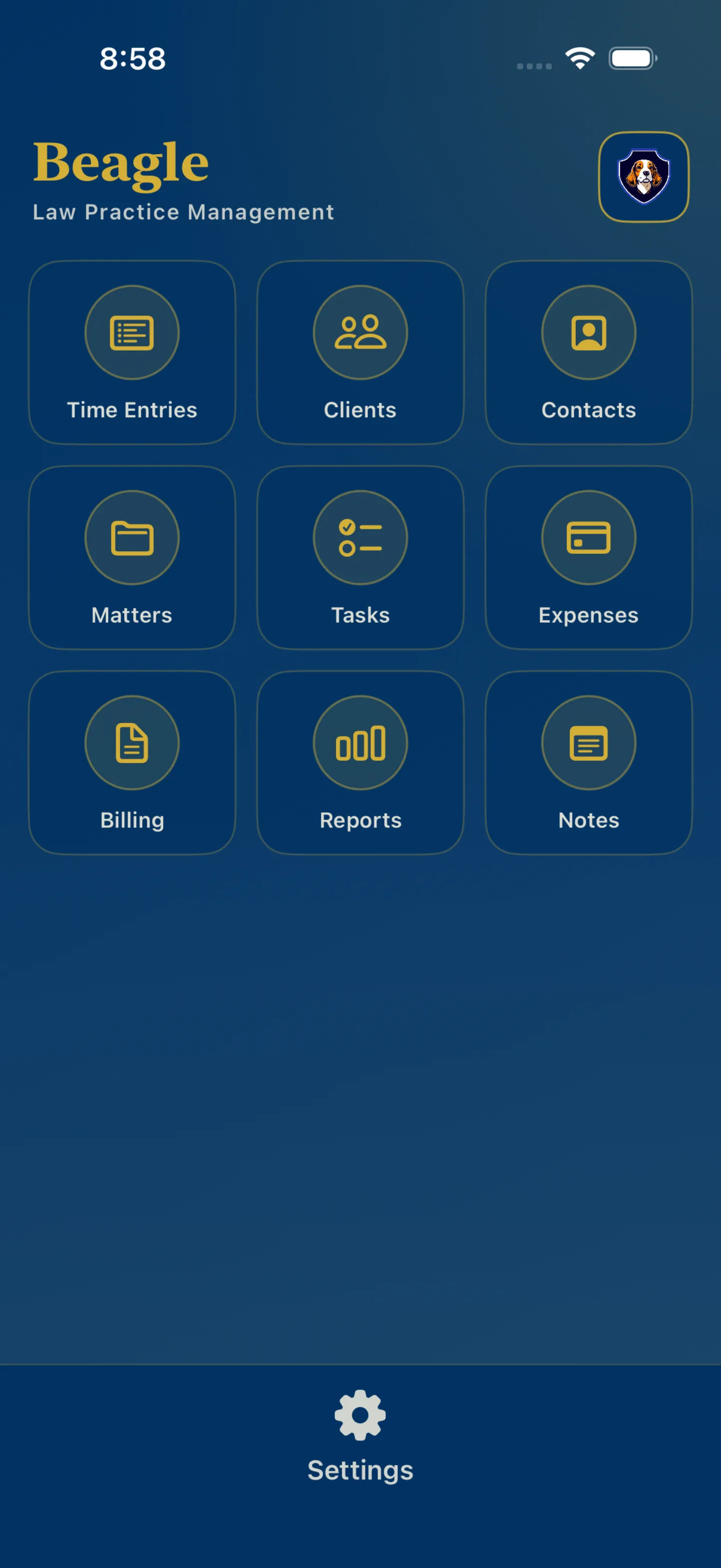
This screenshot is the shipping iPhone app. The nine tiles are the whole companion — it is not a scaled-down Mac.
Boundaries
Stated plainly, because implying otherwise would be a promise the app cannot keep.
Not on iPhone. The AI environment — AI Notepad, Matter Intelligence and provider configuration. The trust ledger. Conflict checking. OCR and the document workflow. Firm administration, import, and backup.
Why. These are workstation tasks. A conflict check before intake, a trust reconciliation, or an AI analysis over a whole matter file are things you do sitting down, on the machine that holds the file.
Together
Records you create on the phone are the same records the Mac has. What syncs, and what deliberately does not, is documented rather than assumed.
Start and stop the timer against a matter, add an expense, tick off a task.
Clients, contacts, matters and billing status, without going back to the desk.
Sync requires a configured backend, a signed-in account and a selected firm. Without them the device works locally.
The Knowledge Base covers the iPhone app, its timer, and how it fits with the Mac.